Blog
Building a Corporate-Grade Home Office: An Ergonomics Guide

Hybrid work has changed where senior professionals spend their working hours — but it shouldn’t change the standard they work to. A home office used for client calls, focused deep work, and daily decision-making deserves the same ergonomic care as a corporate office, not a leftover desk in a spare room.
Here’s a practical guide to building a home workspace that actually holds up to full-time professional use — covering the furniture, layout, and small details that make the biggest difference.
Start With the Chair, Not the Desk
Of everything in a workspace, the chair has the single biggest impact on how your body holds up over a long working day. A consumer chair bought for occasional use simply isn’t built for six to nine hours of daily sitting, and the difference shows up as lower back pain, stiff shoulders, and general fatigue by mid-afternoon.
Look for a chair with:
- Adjustable lumbar support — to maintain the natural curve of your lower back
- Adjustable armrests — height and width, at minimum, so your shoulders can stay relaxed rather than hunched or reaching
- Seat depth adjustment — so the seat fits your leg length rather than a one-size-fits-all average
- A breathable back — mesh backing helps with airflow, which matters even more in Dubai’s climate
- Recline with tension control — allows your weight to shift through the day instead of staying locked in one position
Sky Space Furniture’s ergonomic chair range is built around exactly these features, designed for the kind of daily, extended use a real home office demands — not the occasional weekend project a basic desk chair is meant for.
The Desk: Give Yourself Room to Actually Adjust
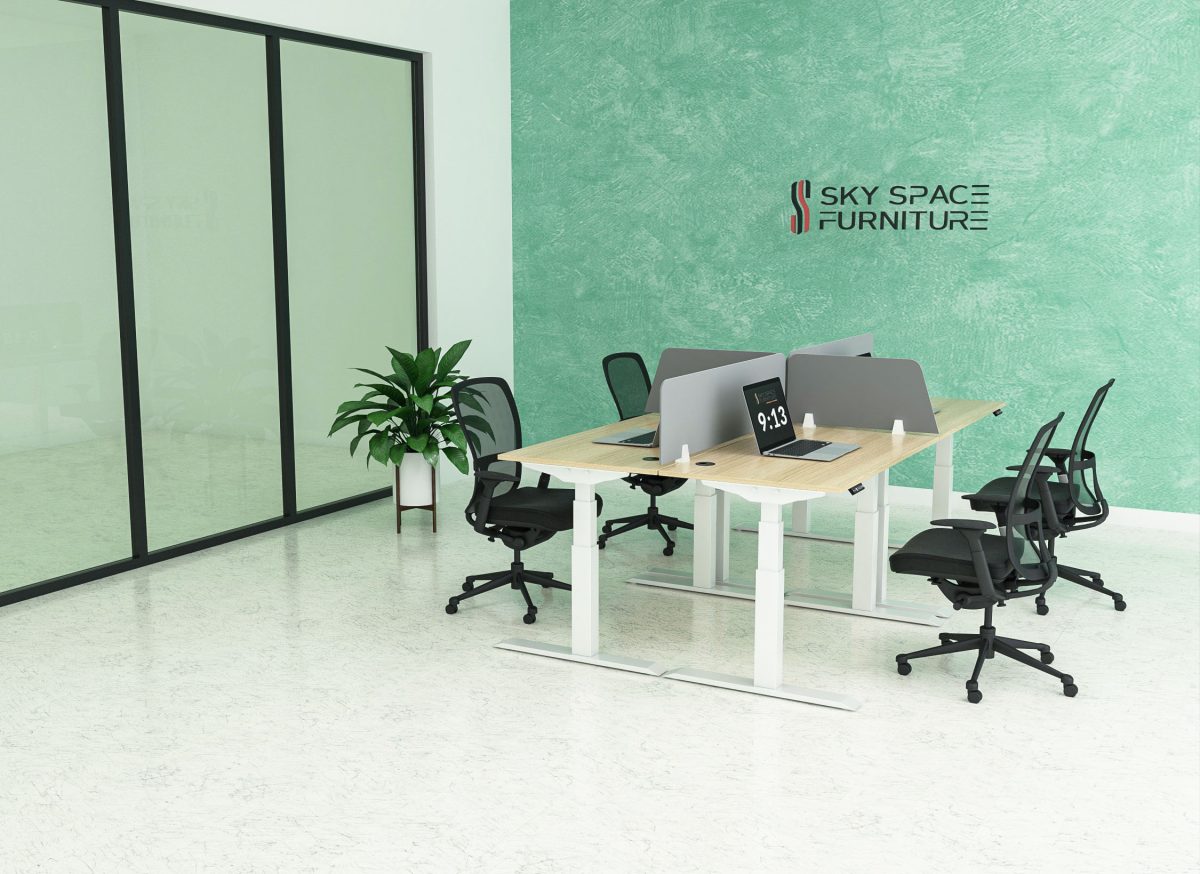
A fixed-height desk forces your body to adapt to the furniture, instead of the other way around. A height-adjustable desk lets you move between sitting and standing through the day — which matters, since staying in any single position for hours at a time is what causes stiffness and fatigue, regardless of how good your chair is.
Beyond height adjustability, desk size matters more than people expect. A desk that’s too small forces monitors, keyboards, and documents into a cramped, awkward layout — which quietly pushes your posture out of alignment without you noticing until your neck or wrists start to complain. A wider desk surface gives your monitor, keyboard, and any paperwork enough room to sit at a proper distance and angle.
Monitor Position: The Detail Most People Get Wrong
If you work from a laptop screen alone, you’re very likely looking down and hunching forward without realizing it. The fix is simple but often skipped: raise your screen (or add a second monitor) so the top of the display sits roughly at eye level, at arm’s length distance from your face.
If you use two monitors, angling them slightly inward toward the center reduces how much you have to turn your neck throughout the day — a small adjustment that adds up over hundreds of hours of screen time.
A monitor arm, rather than a fixed stand, makes this kind of fine adjustment far easier and also frees up desk space underneath for documents or a keyboard tray.
Lighting: More Than Just Avoiding a Dark Room
Lighting affects two separate things: how tired your eyes get, and how you actually look on video calls.
For general comfort, aim for even, glare-free lighting across the room rather than a single harsh overhead light. A desk lamp positioned to the side (not directly in front, which causes screen glare) helps with focused reading and writing tasks.
For video calls specifically, light facing you — not behind you — makes a noticeable difference. A window facing your desk, or a simple desk lamp positioned behind your camera at face height, avoids the washed-out, backlit look that comes from sitting with a bright window behind you.
Don’t Ignore the Room’s Acoustics
An office that echoes or picks up every household sound undermines calls and concentration in a way that furniture alone can’t fix. A few practical additions to any home office:
- Soft furnishings — a rug, curtains, or upholstered seating absorb sound far more effectively than bare walls and hard flooring
- A closed door, ideally solid rather than hollow-core, to separate your workspace from the rest of the home
- A lounge chair or small sofa, if your setup allows for it, doubles as both a comfort feature and a sound-dampening surface — one reason home offices increasingly include a lounge piece alongside the main desk setup
Storage That Keeps the Space Looking (and Feeling) Professional
Visible clutter isn’t just distracting — in a hybrid setup, it’s also part of what colleagues and clients see on every video call. A lockable storage unit or credenza behind or beside your desk keeps documents and personal items out of sight, while giving you a clean, intentional background for calls.
Putting It Together
None of this requires an unlimited budget or a full room renovation — it requires prioritizing the right pieces first. If you’re building or upgrading a home office, the order of priority that makes the biggest difference is generally:
- A proper ergonomic chair
- A height-adjustable desk with enough surface area
- Monitor positioning (arm or riser)
- Lighting adjustments
- Acoustic and storage improvements
Sky Space Furniture’s range covers each of these — from ergonomic and executive chairs to height-adjustable desks, storage units, and lounge furniture — and our team can help put together a setup suited to how you actually work, not just what looks good in a catalog photo.